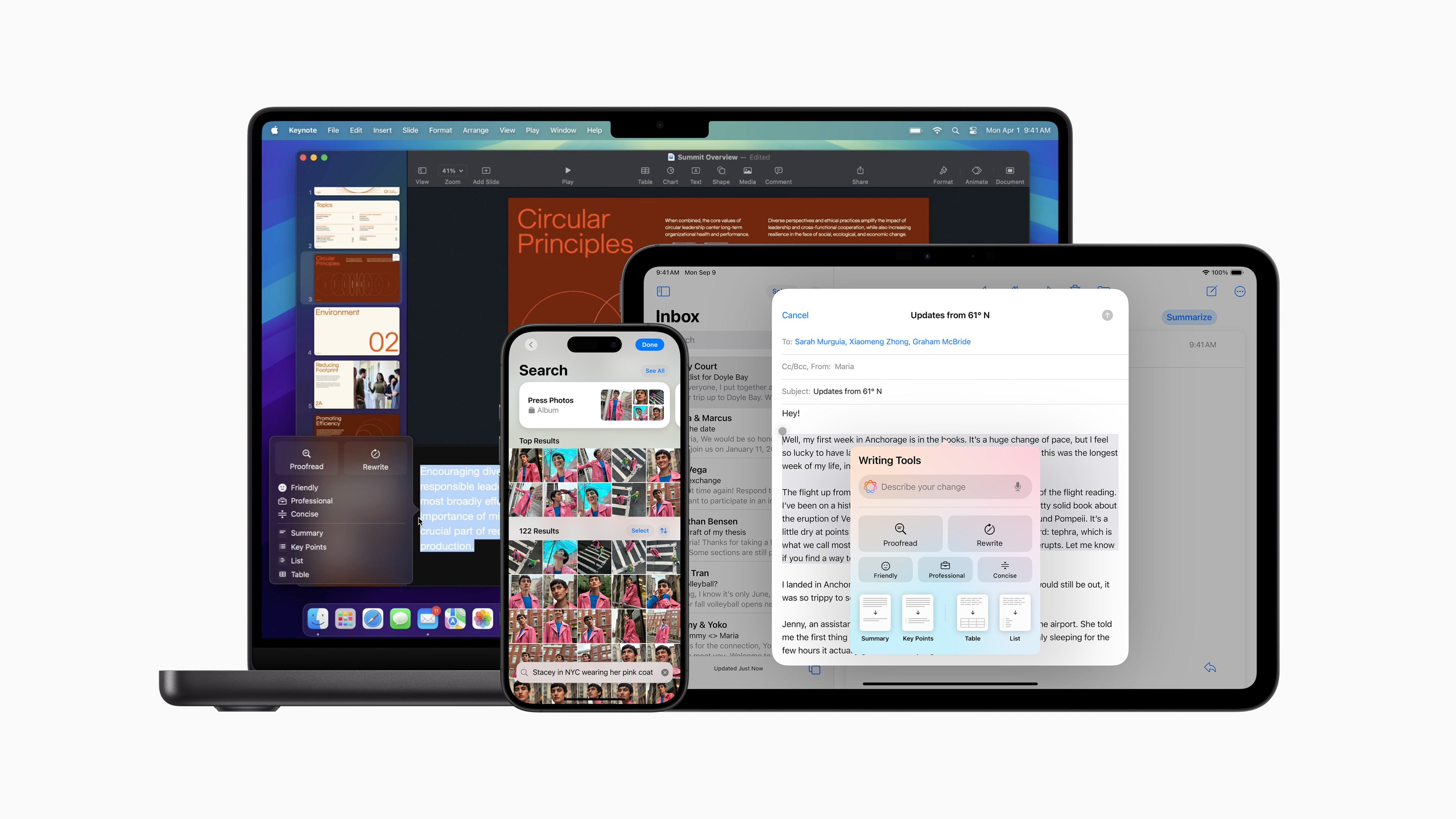
Apple has announced the first set of Apple Intelligence features for iPhone, iPad, and Mac users. Apple Intelligence is now available through a free software update with the release of iOS 18.1, iPadOS 18.1, and macOS Sequoia 15.1.
Apple Intelligence will allow users to improve their writing and summarise mail, messages, and notifications through writing tools such as Rewrite. Siri becomes more capable and natural-sounding, with a new design and better understanding of language and context, and allowing users to use both voice and text commands.
The advanced Photos app will leverage Apple Intelligence for features such as Clean Up to eliminate distraction in photos, natural language search in photos and videos, and using Memories to create movies with a simple prompt (the Memory Movie feature is only available on iPhone and iPad).
These features can be accessed in most regions around the world when the device and Siri language are set to US English.
Devices That Support Apple Intelligence
Apple Intelligence is available on the following devices:
iPhones:
iPhone 16
iPhone 16 Plus
iPhone 16 Pro
iPhone 16 Pro Max
iPhone 15 Pro
iPhone 15 Pro Max
Macs:
M3 MacBook Air
M2 MacBook Air
M1 MacBook Air
M3 MacBook Pro
M2 MacBook Pro
M1 MacBook Pro
M3 iMac
M1 iMac
M2 Mac mini
M1 Mac mini
M2 Max Mac Studio
M1 Max Mac Studio
M2 Ultra Mac Pro
iPads:
M4 iPad Pro
M2 iPad Pro
M1 iPad Pro
M2 iPad Air
M1 iPad Air
iPad mini A17 Pro
Apple Intelligence Waitlist
Before using these features though, users need to join the Apple Intelligence waitlist. Here's how you can do that:
Go to device Settings.
Tap Apple Intelligence & Siri.
Tap ‘Join the Apple Intelligence Waitlist'.
Tap the blue ‘Join Waitlist' button on the pop-up.
You will receive a notification once Apple Intelligence access is granted.
Go back to Settings and confirm that Apple Intelligence toggle is turned on.
Essential Business Intelligence, Continuous LIVE TV, Sharp Market Insights, Practical Personal Finance Advice and Latest Stories — On NDTV Profit.