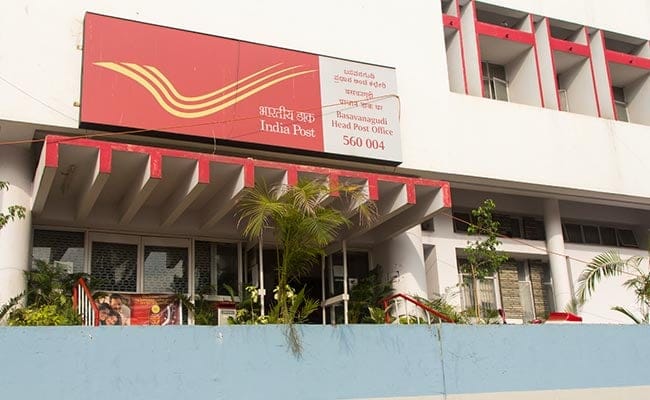
India Post, under the Department of Posts (DOP), offers internet banking services for post office savings bank (POSB) account holders, according to its official website- indiapost.gov.in. Under this facility, customers can transfer funds from one post office savings bank (POSB) account to another POSB account. A POSB customer can access the internet banking facility at ebanking.indiapost.gov.in. Customers should have a valid active single or joint savings account, necessary KYC (Know Your Customer) documents, active DOP ATM/debit card, valid unique mobile number, email address and PAN (Permanent Account Number) for availing India Post's internet banking, according to India Post's website.
Using India Post's internet banking facility, users can also make online deposits from savings bank account to recurring deposit (RD) account and public provident fund (PPF) account of post office via its internet banking. POSB account holders can also transact, open, close an RD account and fixed deposit (FD) accounts via the India Post internet banking facility.
Here are the steps to register for India Post internet banking facility:
1. Visit your home branch and fill the pre-printed application form
2. Submit the application form with required documents
3. Once the request is processed successfully, an SMS alert will be delivered to the registered mobile number
4. Now, open the India Post internet banking page using the URL mentioned in the SMS and use the hyperlink "New User Activation"
5. Fill the necessary details and configure the internet banking login username and password
6. Now login and configure security questions and answers along with passphrase. Pass phrase is security add on feature, which confirms that you are logging into genuine DOP's internet banking URL, according to India Post's website.
Essential Business Intelligence, Continuous LIVE TV, Sharp Market Insights, Practical Personal Finance Advice and Latest Stories — On NDTV Profit.